Light Manager — Light Properties
The Light Properties tab within the Main Panel UI expands Blender's native light data blocks, providing a centralized control panel for adjustments, photometric IES files, geographic sun rigs, and custom studio Softbox node modifiers.
1. Selected Light Tabs
When you select a light in the SLM list, the properties editor displays three main context tabs at the top:
 Properties
 Displays advanced settings, custom shader node groups, Cycles/EEVEE engines override settings, and object transformations.
 Light Linking
 Configure which objects or collections in the scene are affected by (receive light from) the selected emitter.
 Shadow Linking
 Configure which objects or collections block shadows cast by this light, bypassing standard viewport constraints.
2. The Properties Tab Sub-Panels
The main Properties tab contains four collapsible sub-sections designed to group related operations logically:
 A. Light Settings (Physical Parameters)
Controls the physical attributes, coordinates, and shape profiles of the active emitter:
Switch type between Point, Sun, Spot, and Area. Toggle Use Temp to adjust
the output using photorealistic Kelvin scales (e.g., 3200K to 5500K).
Adjust basic power in Watts and exposure in stops. Exposure values are disabled if locked under a collection override.
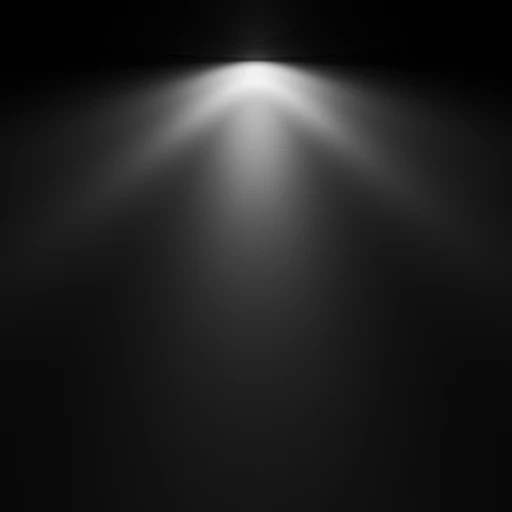
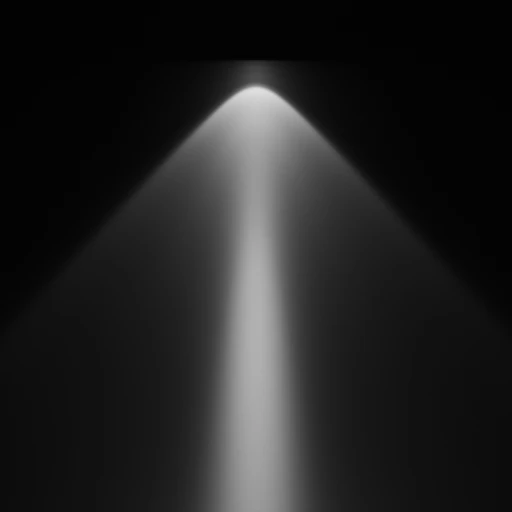
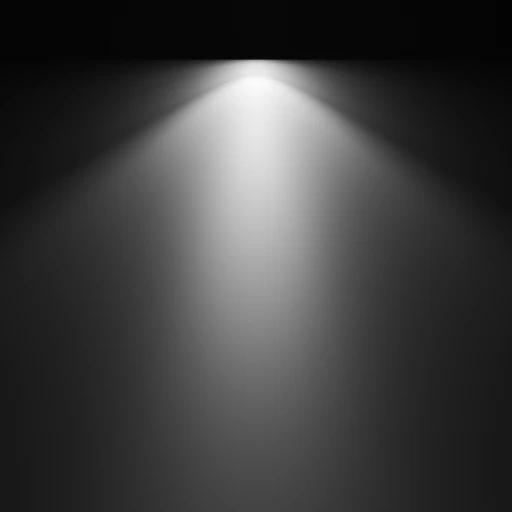
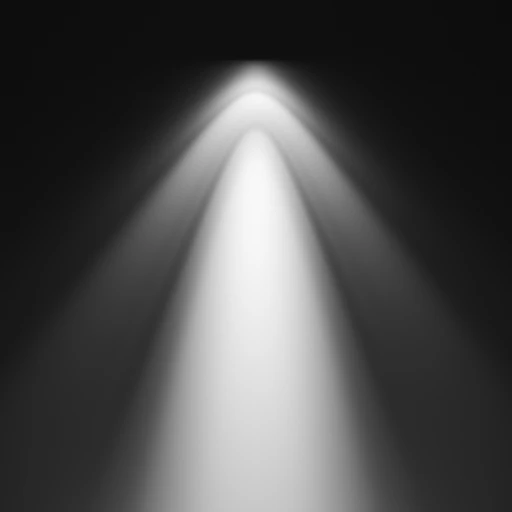
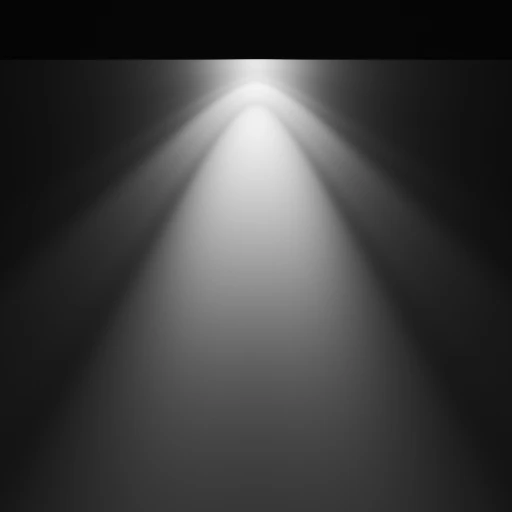
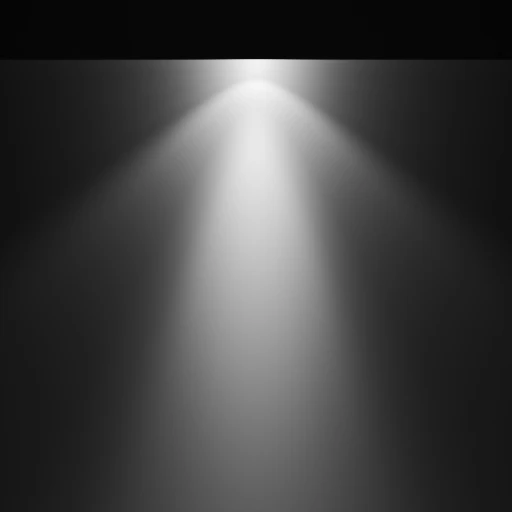
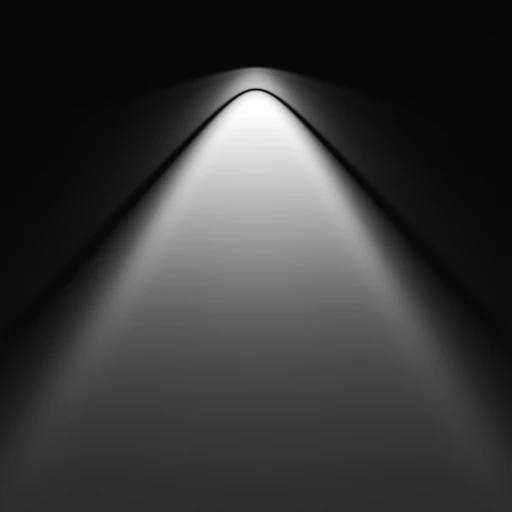
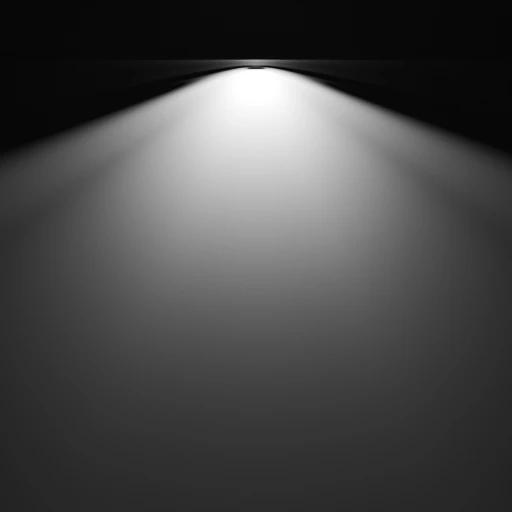
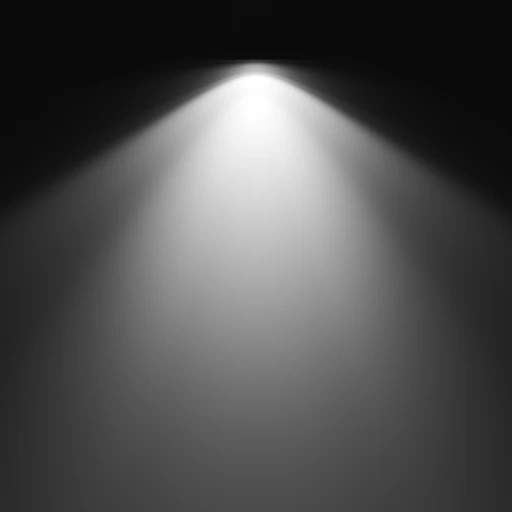
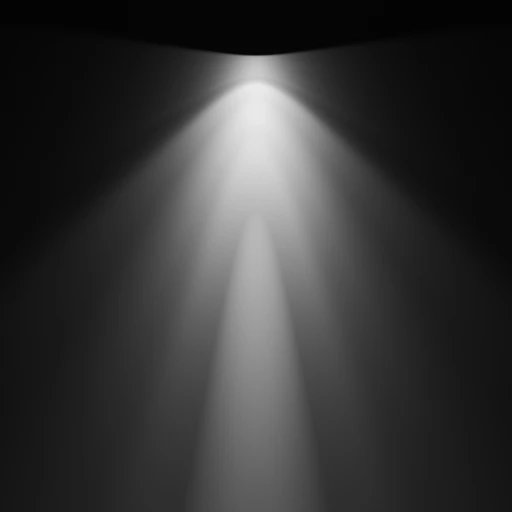
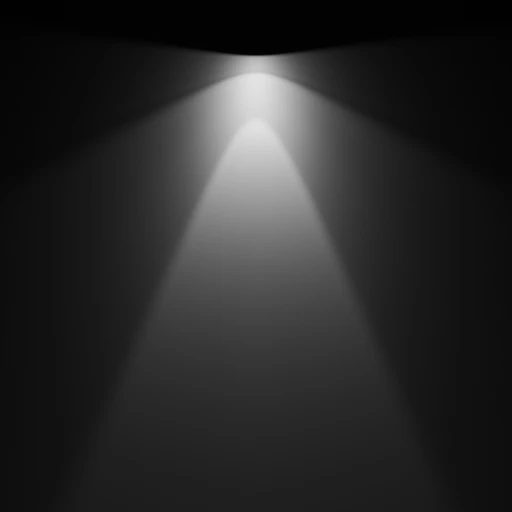
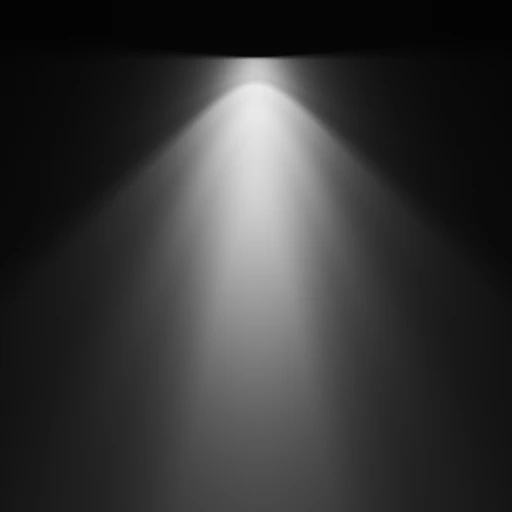
Spawn IES lights directly using the exclusive IES Light operator in the + Add... menu, or assign photometrically calibrated IES profiles (.ies files) onto existing Point lights using the interactive profile selector.
Selectively filter which ray paths (Camera, Diffuse, Glossy, Transmission, Volume) this light responds to.
 B. Shader Nodes Settings (Softbox Engine)
Allows replacing default nodes with advanced, procedurally map-driven shader configurations:
Assign the custom SLM-Soft_Box shader to replace standard nodes, or update the group definitions from external libraries dynamically.
Generate and cache real-time 2D thumbnails of active emission trees. Includes toggles for auto-refreshing viewport indicators.
Map photographic textures to project structured studio reflections or shadow gobos (blinds, trees, windows) directly from the list interface.
Instantly wipe map textures or synchronize the active node structure with the core global settings in a single click.
 C. Render Engine Optimizations
Contains specific properties optimized based on which rendering engine is active:
Fine-tune performance-heavy render branches:
- Max Bounces: Restrict recursive light paths.
- Cast Shadows / Multiple Importance: Balance noise ratios.
- Shadow Caustics / Portals: Guidance optimizations.
Configure rasterized screen shadow offsets:
- Jitter & Filter Radius: Smooth pixel shadows.
- Resolution Limit: Caps memory usage on large scenes.
- Custom Distance: Culls light calculations beyond a boundary.
 D. Object Transforms & Hierarchy
Provides convenient spatial controls without leaving the main manager list:
Translate location coordinates, orientation Euler rotations, and scales.
Displays what item this emitter is currently constrained to.
Link and parent standard objects, helper flags, or rigs to targeted bones/empties.
3. Custom Softbox Node Group (SLM-Soft_Box)
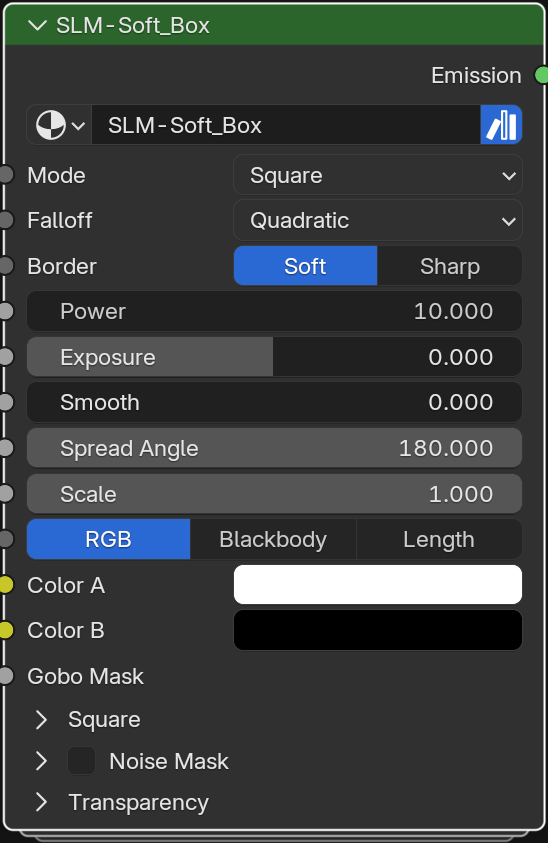
The SLM-Soft_Box custom node group simulates physical modifiers (honeycomb grids, frames, diffusers) directly inside Cycles shading paths. Below is the structural layout of the group inputs:
 Core Emission Parameters
 - Mode: Selects the softbox shape (
Square,Disk,Strip,Spheric). - Falloff: Toggles decay math between physical
Quadraticand custom curves. - Border: Adjusts edge interpolation hardness between
SoftandSharp. - Spread Angle: Controls beam throw coordinates from 180° down to 2° (gridded honeycombs).
- Power / Exposure / Smooth: Fine-tune core brightness, stops, and highlight noise specular.
 Coloring & Gradient Systems
 - Coloring Modes: Toggle inputs between standard
RGB,Kelvin, andNear/Fargradients. - Color Temperature: Driven using physics-based Blackbody temperature vectors.
- Gradient Mapping: Configure primary
Nearand secondaryFarcoordinates. - Contrast & Transitions: Tweak
HardnessandMiddle Point Distancebias values.
 Expandable Softbox Foldout Panels
 Ring & Strip v2
 Controls ring-shaped reflectors and custom coordinate rotations:
- Ring Scale & Thickness
- Strip Rotation Angle (0° to 90°)
- Slide & Black Value Cutoffs
 Grids & Distortions
 Subdivides the emitter area into grids or bends spherical shapes:
- Subdivisions & Subdiv Mixer
- Spheric Coordinates (X, Y Bias)
- Linear Smoothness Adjustments
 Noise & Transparency
 Adds organic textures and manages ray tracing visibility:
- Noise Mask Offset & Detail Roughness
- Per-ray visibility factors (Camera, Diffuse)
- Backfacing Cull & Transmission Depth limits
Softbox Shape Profiles






HDR Light Textures
.webp)
.webp)
.webp)
.webp)
.webp)
Photographic Gobo Projections
.png)
.jpg)
.jpg)
.png)
*Note: The images above show only a few examples of the wide range of HDR textures and Gobo projections included with the addon.*
4. Calibrated IES Light Profiles
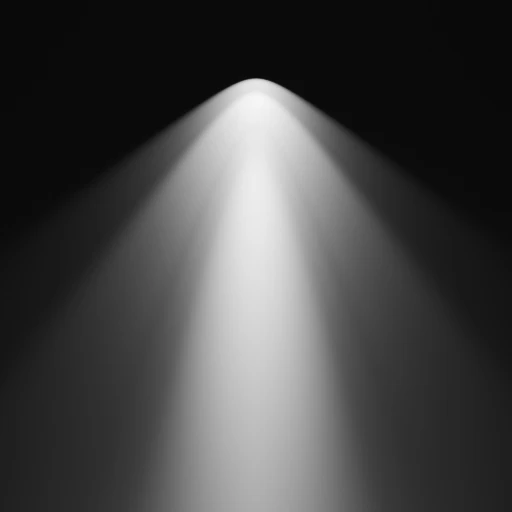
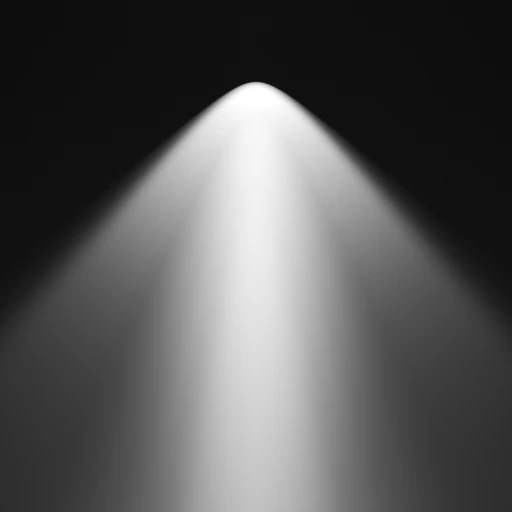
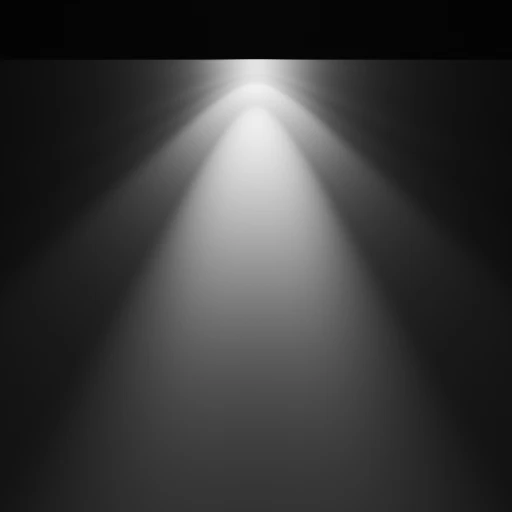
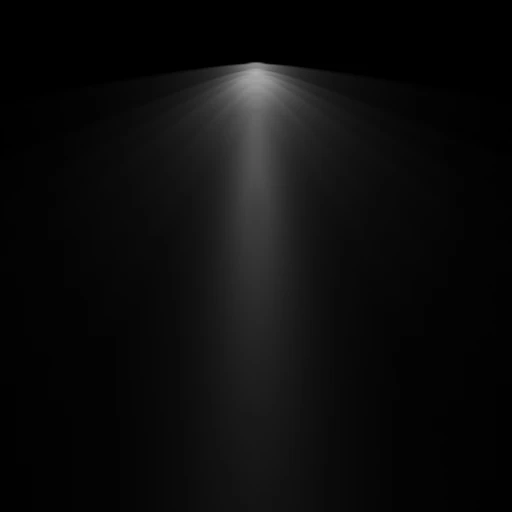
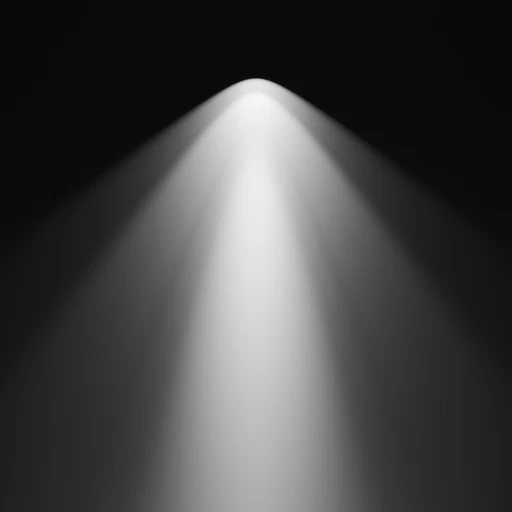
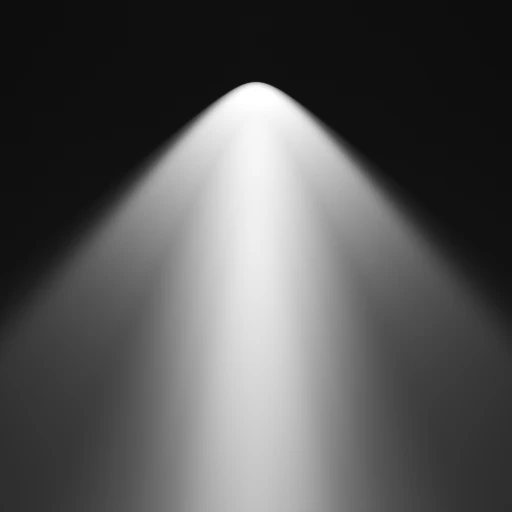
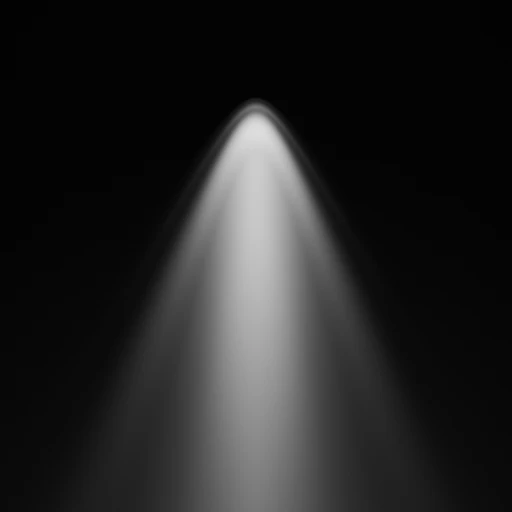
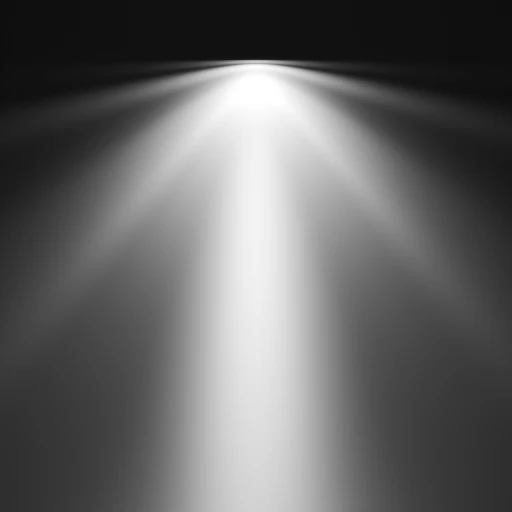
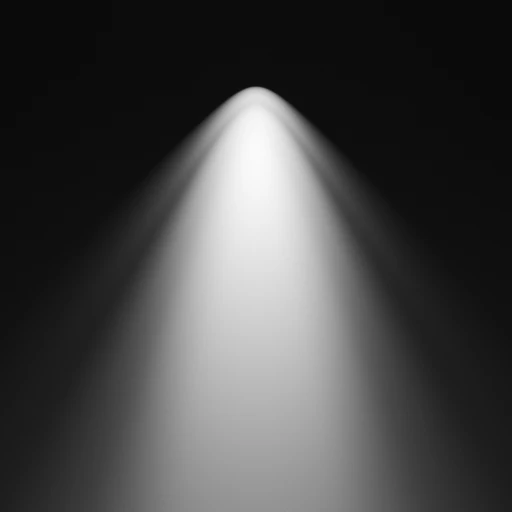
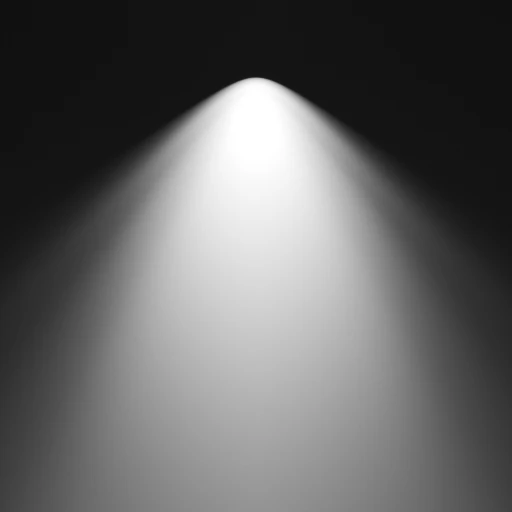
When the active light is a Point Light (or when you spawn a new IES Light via the Add menu), the properties panel displays an interactive IES Profile library. This library provides photometrically calibrated light shapes to simulate realistic architectural illumination (downlights, spotlights, bollards, wall washes, etc.).
 Photometric Profile Library Preview